Full implementation in this Github repository
High level deployment flow
- Initialize terraform.
- Apply AWS infrastructure.
- Build and push Docker images to ECR.
- update Kubernetes manifests with values from terraform output (roles, ecr arn, etc…).
- Apply the manifests to the cluster.
Details
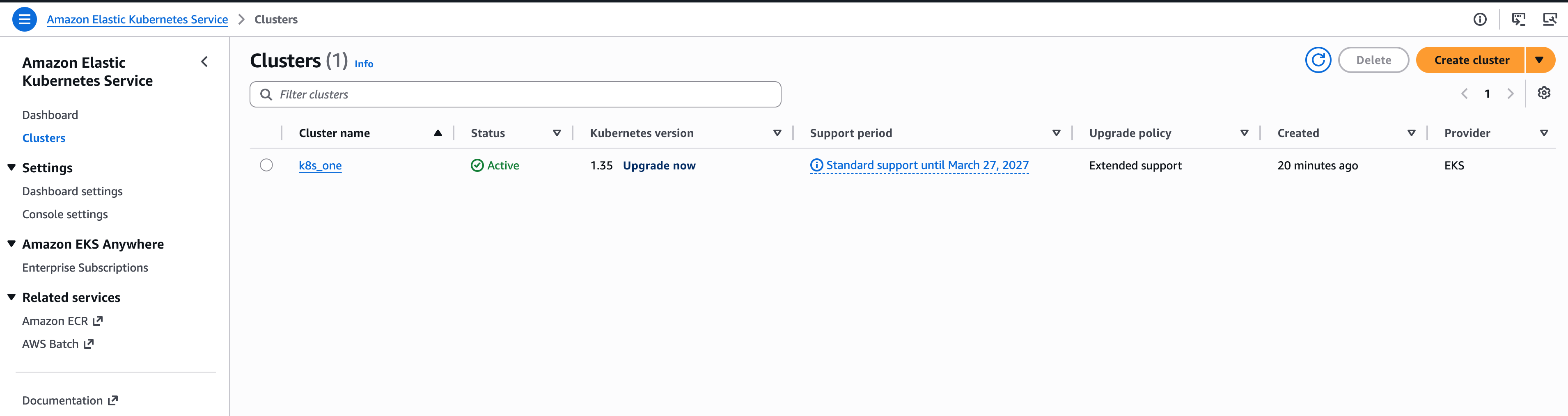
This demo creates an EKS cluster with an AWS-managed Kubernetes control plane and one managed node group. The node group is configured with a desired size of two EC2 worker nodes, where the application pods run.
module "eks" {
  source  = "terraform-aws-modules/eks/aws"
  version = "20.31.6"

  cluster_name    = local.name
  cluster_version = var.cluster_version

  cluster_endpoint_public_access           = true # for demo purposes
  enable_cluster_creator_admin_permissions = true
  cluster_enabled_log_types                = ["api", "audit", "authenticator", "controllerManager", "scheduler"]
  cluster_encryption_config                = {}
  create_kms_key                           = false

  vpc_id     = module.vpc.vpc_id
  subnet_ids = module.vpc.private_subnets

  eks_managed_node_group_defaults = {
    ami_type       = "AL2023_x86_64_STANDARD"
    instance_types = ["t3.small"]
    disk_size      = 30
  }

  eks_managed_node_groups = {
    default = {
      name         = "${local.name}-ng"
      min_size     = 1
      max_size     = 2
      desired_size = 2
      subnet_ids   = module.vpc.private_subnets

      iam_role_additional_policies = {
        CloudWatchAgentServerPolicy = "arn:aws:iam::aws:policy/CloudWatchAgentServerPolicy"
      }
    }
  }

  cluster_addons = {
    coredns = {
      most_recent = true
    }
    kube-proxy = {
      most_recent = true
    }
    vpc-cni = {
      most_recent = true
    }
  }

  tags = local.tags
}
The application has two FastAPI services:
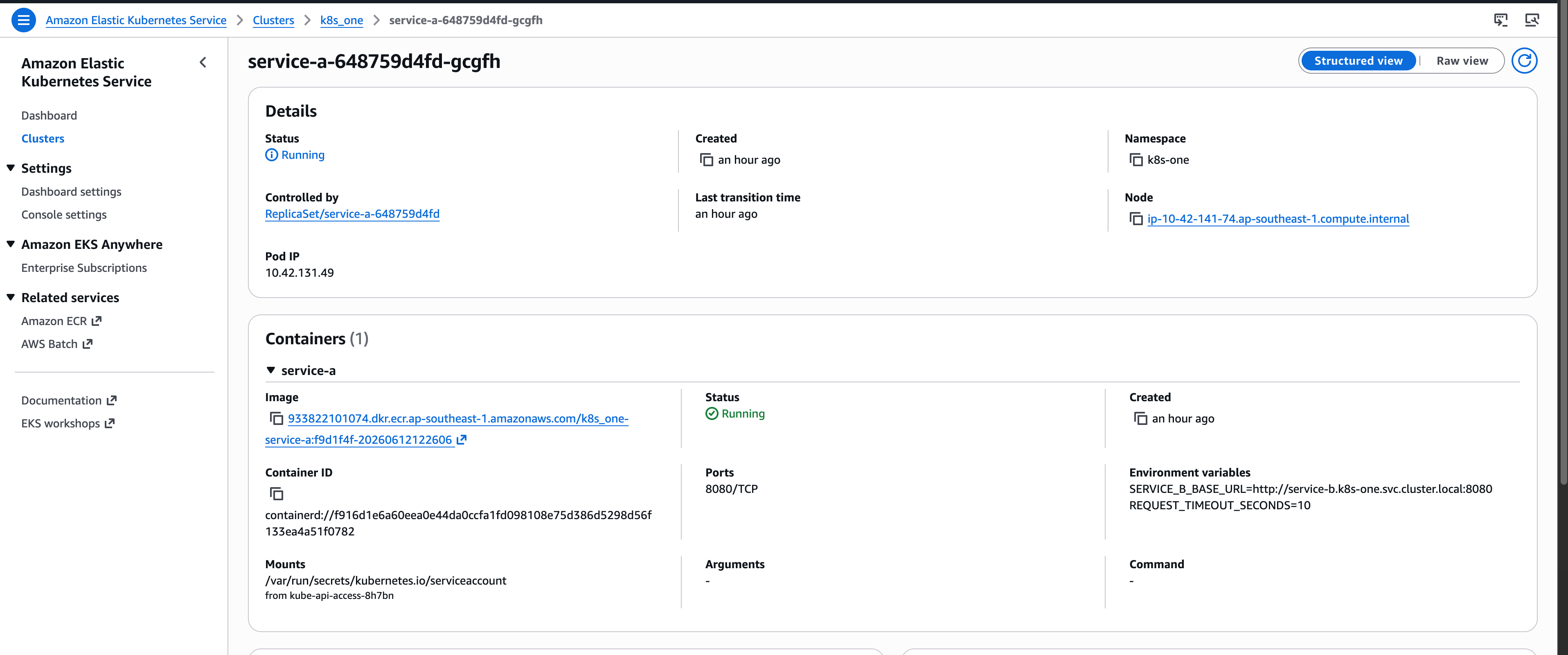
service-ais the public gateway exposed through the ALB.service-bis internal-only and is the only service with DynamoDB access through IRSA.
Each service has two replicas. Kubernetes schedules those replicas across the available worker nodes.
Example of service-a:
#Identity
apiVersion: v1
kind: ServiceAccount
metadata:
  name: service-a
  namespace: k8s-one

---
#Worker
apiVersion: apps/v1
kind: Deployment
metadata:
  name: service-a
  namespace: k8s-one
spec:
  replicas: 2
  selector:
    matchLabels:
      app: service-a
  template:
    metadata:
      labels:
        app: service-a
    spec:
      serviceAccountName: service-a
      containers:
        - name: service-a
          image: "__SERVICE_A_IMAGE__"
          ports:
            - containerPort: 8080
          env:
            - name: SERVICE_B_BASE_URL
              value: "http://service-b.k8s-one.svc.cluster.local:8080"
---
#Gateway
apiVersion: v1
kind: Service
metadata:
  name: service-a
  namespace: k8s-one
spec:
  selector:
    app: service-a
  ports:
    - name: http
      port: 8080
      targetPort: 8080
$ kubectl -n k8s-one get all
NAME                             READY   STATUS    RESTARTS   AGE
pod/service-a-648759d4fd-gcgfh   1/1     Running   0          17m
pod/service-a-648759d4fd-mxgsd   1/1     Running   0          17m
pod/service-b-7f8cfdbd99-457ks   1/1     Running   0          17m
pod/service-b-7f8cfdbd99-cn4wt   1/1     Running   0          17m

NAME                TYPE        CLUSTER-IP       EXTERNAL-IP   PORT(S)    AGE
service/service-a   ClusterIP   172.20.34.146    <none>        8080/TCP   17m
service/service-b   ClusterIP   172.20.110.195   <none>        8080/TCP   17m

NAME                        READY   UP-TO-DATE   AVAILABLE   AGE
deployment.apps/service-a   2/2     2            2           17m
deployment.apps/service-b   2/2     2            2           17m

NAME                                   DESIRED   CURRENT   READY   AGE
replicaset.apps/service-a-648759d4fd   2         2         2       17m
replicaset.apps/service-b-7f8cfdbd99   2         2         2       17m
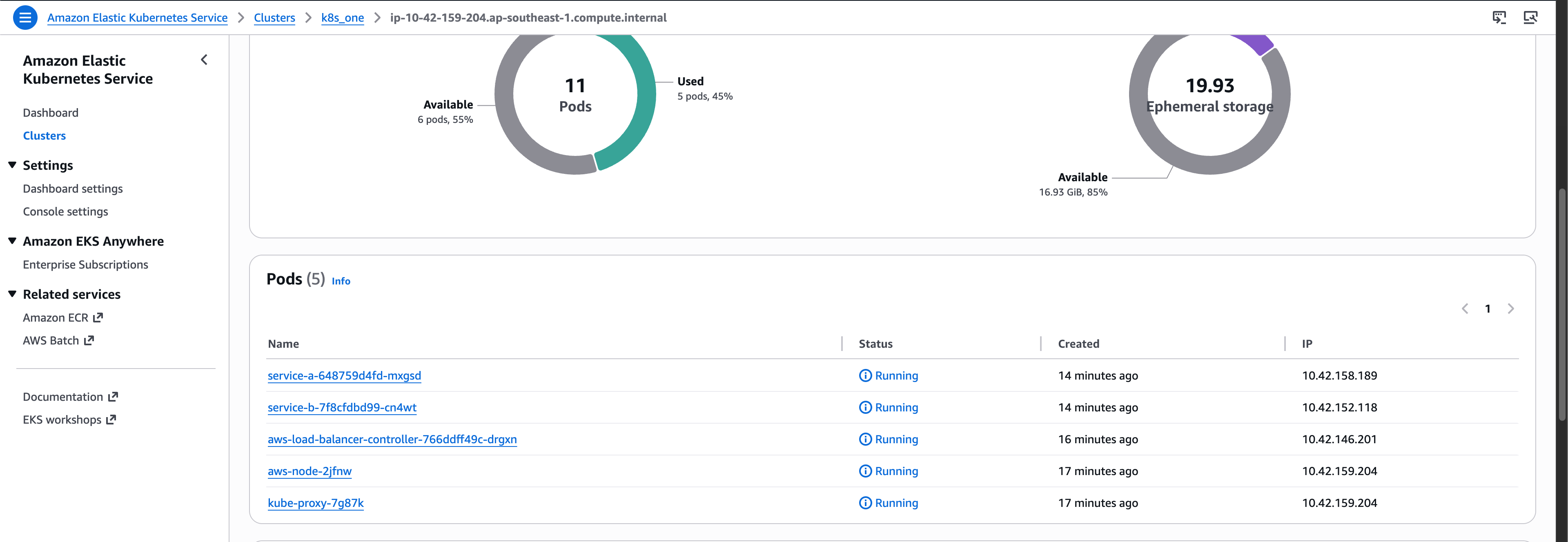
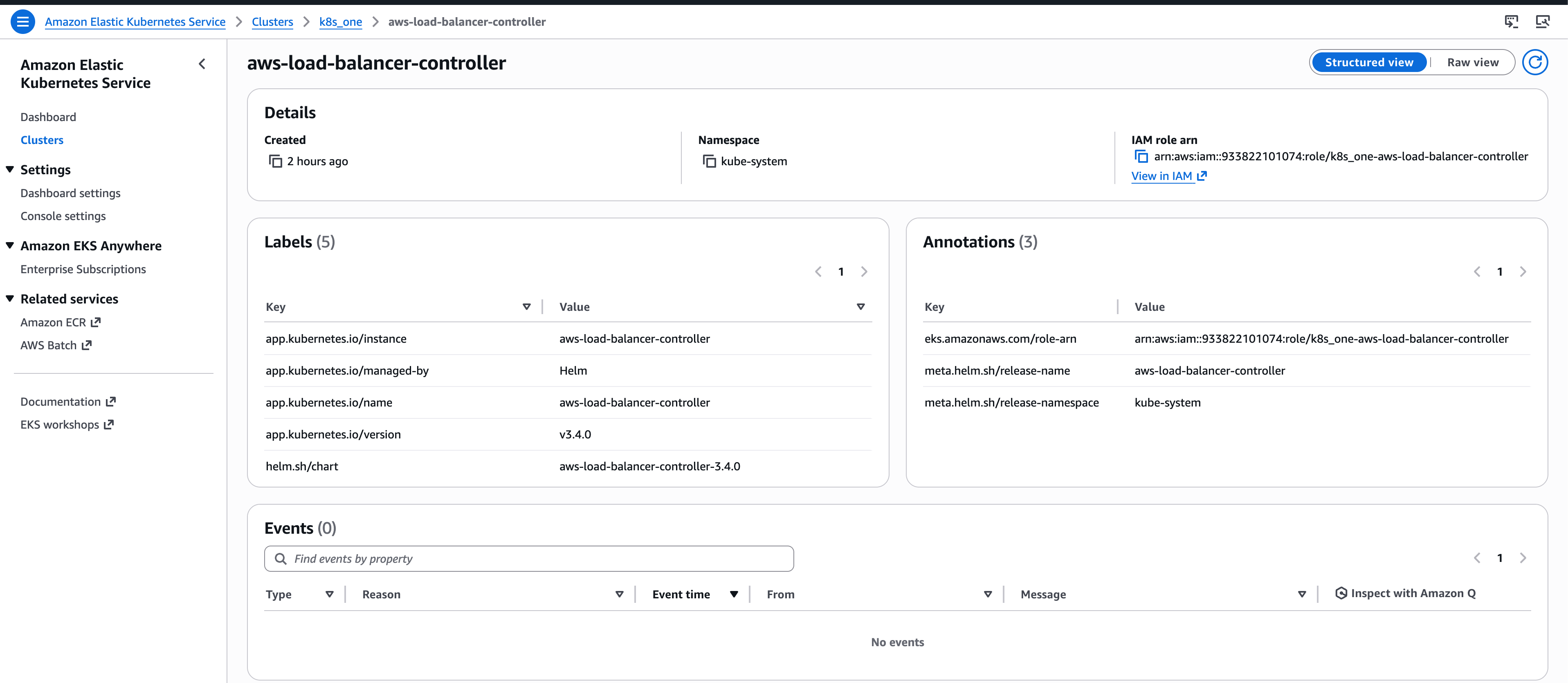
A load balancer controller pod is installed by Helm chart. It creates and manages the internet-facing AWS Application Load Balancer for the cluster. It also uses IRSA so the controller pod can assume an IAM role and call AWS APIs.
resource "helm_release" "aws_load_balancer_controller" {
  name       = "aws-load-balancer-controller"
  repository = "https://aws.github.io/eks-charts"
  chart      = "aws-load-balancer-controller"
  namespace  = "kube-system"

  set {
    name  = "clusterName"
    value = module.eks.cluster_name
  }

  set {
    name  = "region"
    value = var.aws_region
  }

  set {
    name  = "vpcId"
    value = module.vpc.vpc_id
  }

  set {
    name  = "serviceAccount.create"
    value = "true"
  }

  set {
    name  = "serviceAccount.name"
    value = "aws-load-balancer-controller"
  }

  set {
    name  = "serviceAccount.annotations.eks\\.amazonaws\\.com/role-arn"
    value = module.aws_load_balancer_controller_irsa.iam_role_arn
  }

  depends_on = [
    module.eks,
    module.aws_load_balancer_controller_irsa,
  ]
}

module "aws_load_balancer_controller_irsa" {
  source  = "terraform-aws-modules/iam/aws//modules/iam-role-for-service-accounts-eks"
  version = "5.50.0"

  role_name                              = "${local.name}-aws-load-balancer-controller"
  attach_load_balancer_controller_policy = true

  oidc_providers = {
    main = {
      provider_arn               = module.eks.oidc_provider_arn
      namespace_service_accounts = ["kube-system:aws-load-balancer-controller"]
    }
  }

  tags = local.tags
}
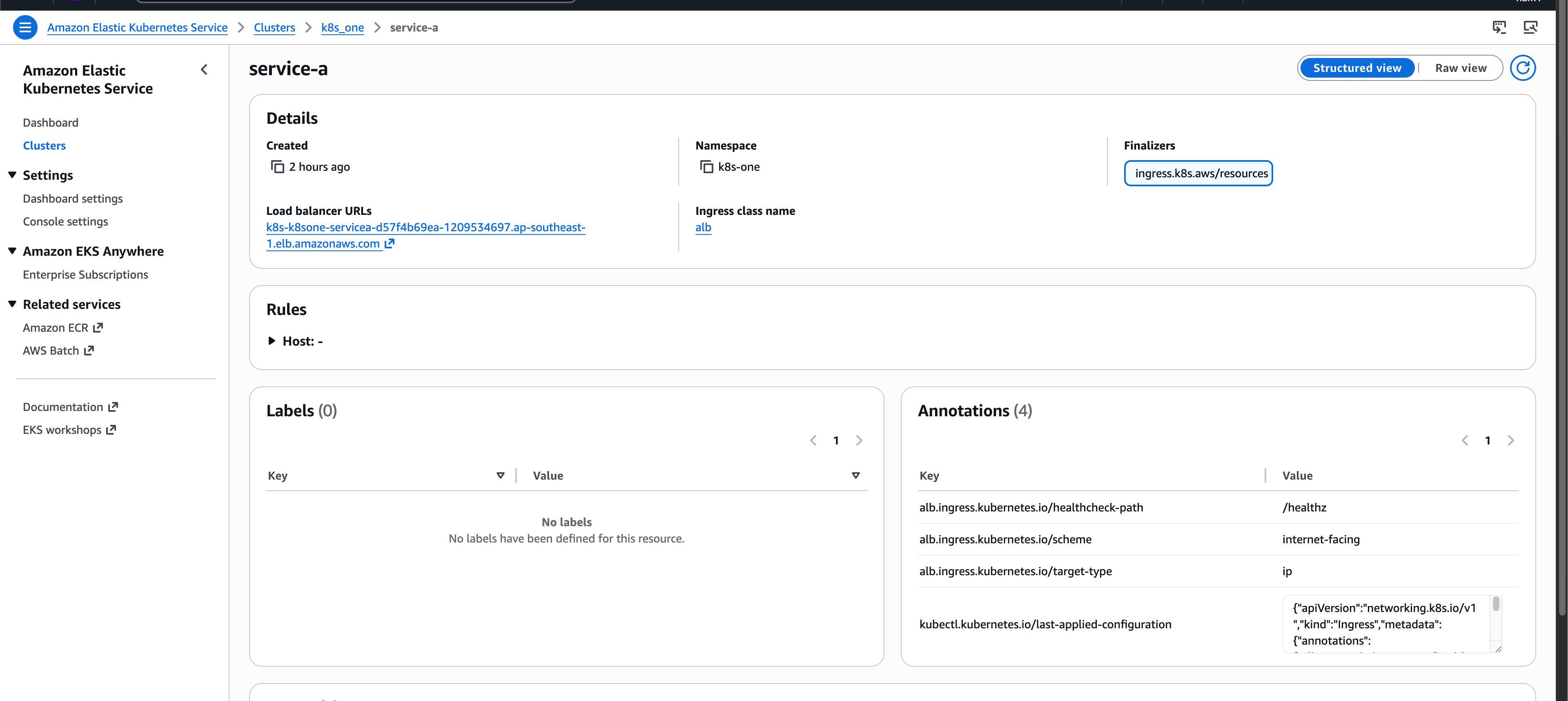
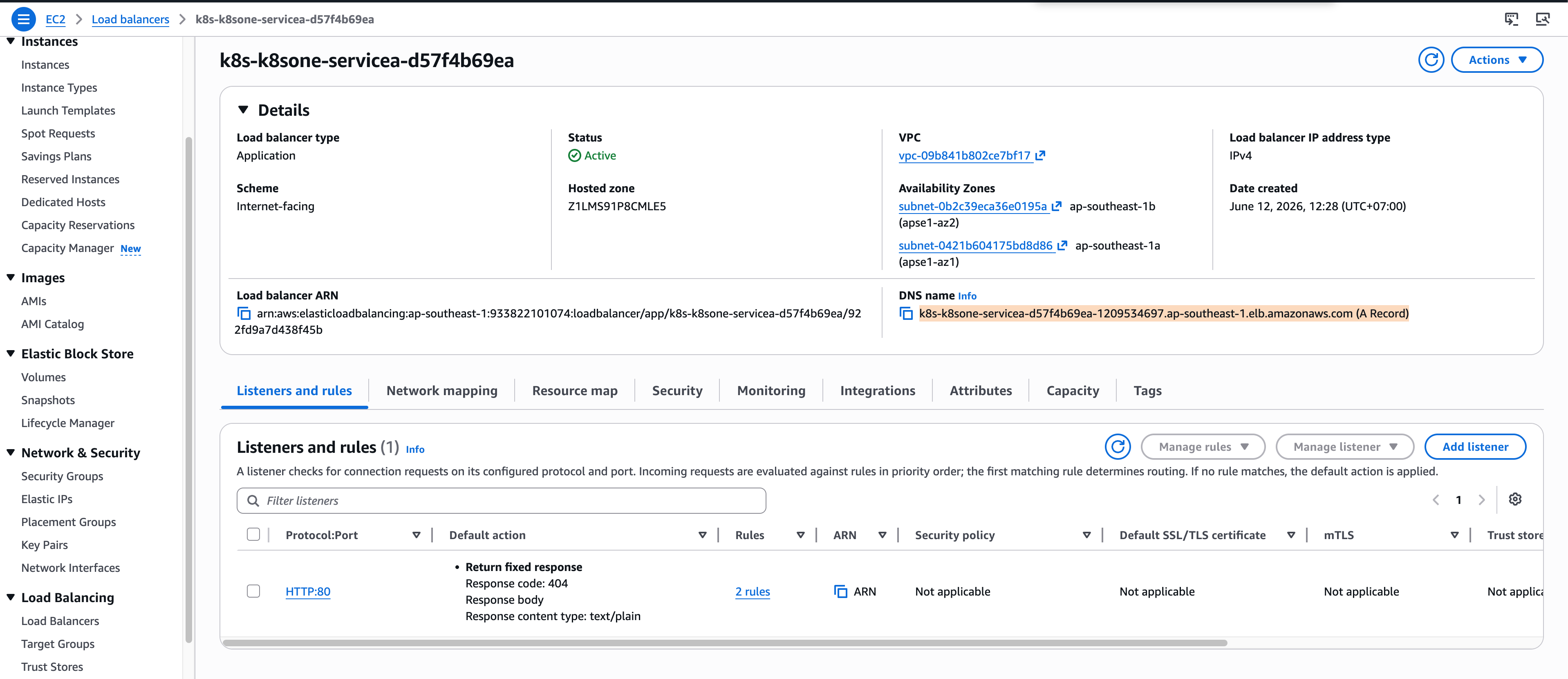
Once the controller sees the Ingress, it creates the AWS ALB and keeps its listeners, rules, target groups, and target registration in sync with Kubernetes.
In this Ingress, every public HTTP request first lands on the ALB, then is forwarded to the service-a Kubernetes Service, which selects the service-a pods.
---
apiVersion: networking.k8s.io/v1
kind: Ingress
metadata:
  name: service-a
  namespace: k8s-one
  annotations:
    alb.ingress.kubernetes.io/healthcheck-path: /healthz
    alb.ingress.kubernetes.io/scheme: internet-facing
    alb.ingress.kubernetes.io/target-type: ip
spec:
  ingressClassName: alb
  rules:
    - http:
        paths:
          - path: /
            pathType: Prefix
            backend:
              service:
                name: service-a
                port:
                  number: 8080